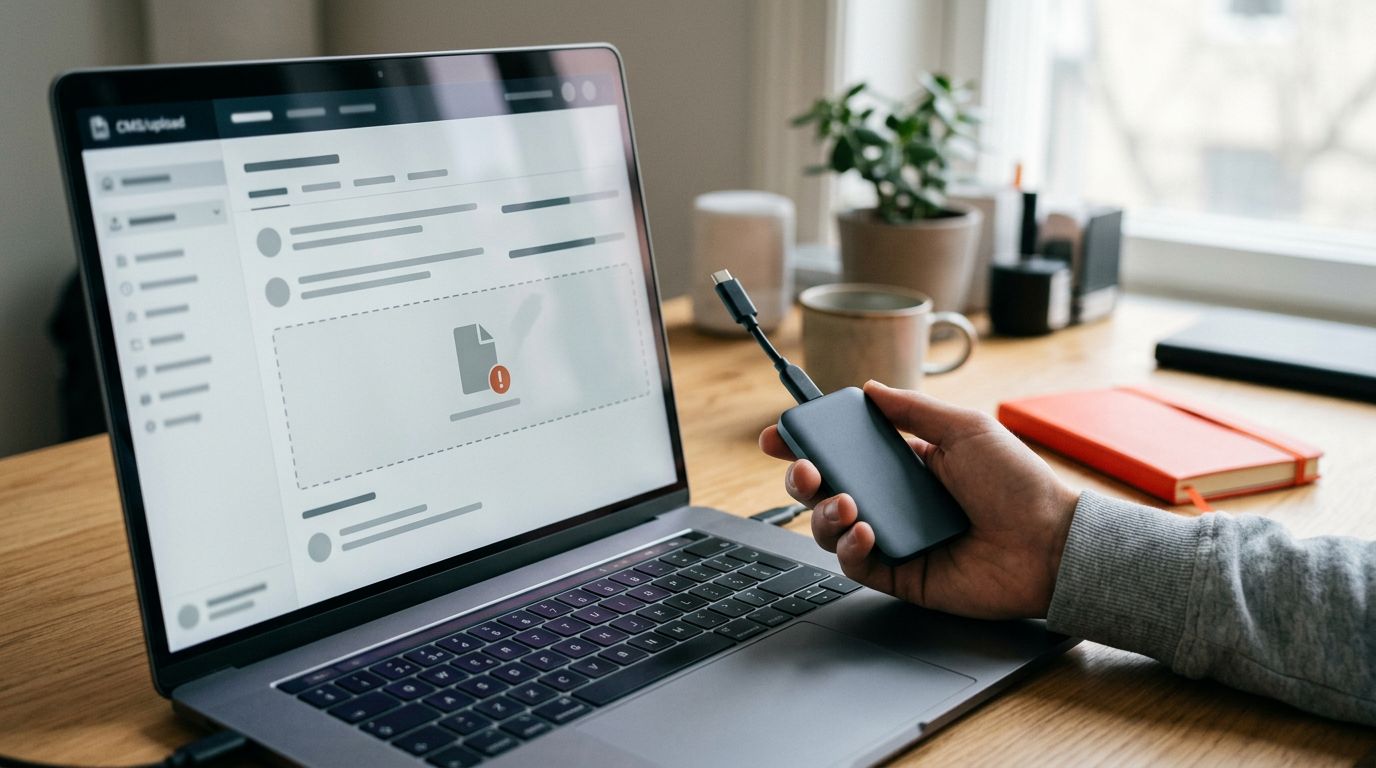

A company website doesn’t just stop working all at once. First, it slows down. Then a form stops sending requests. An update causes a page to display an error. Or an e-commerce checkout stops accepting payments.
A plan for website maintenance It is a preventative tool. It stops minor issues from turning into hours of downtime, lost business and unexpected expenses. For an SME, it is not an incidental cost. It is the technical management of a business asset that must remain fast, secure and ready to generate revenue.
Let’s take a look at what the support should include, how much it might cost, and which points to clarify before signing a quote.
Key points
- Website maintenance prevents technical issues, downtime and the loss of contacts, whilst keeping the site fast, secure and ready to convert.
- A proper plan must include verified updates, comprehensive and tested backups, security checks, performance monitoring, and verification of forms, emails, payments and business functions.
- The frequency of maintenance depends on the type of website: an e-commerce site or a portal with registered users requires more frequent checks than a showcase website.
- Costs vary depending on the platform, complexity, level of support and response times; backups, hosting, licences, urgent support and development are not always included in the subscription fee.
- Before signing, it is important to distinguish between routine maintenance, one-off repairs and development, clarifying the activities included, responsibilities, response times and additional costs.
What a proper plan should include
Maintenance is not just an update carried out whenever someone happens to remember. It is a process involving checks, inspections and clearly defined responsibilities.
A service provided by professional website maintenance It all starts with the technical structure of the project. The CMS, theme, plugins, hosting, forms, email, backups and security must all work together.

Updates to WordPress, themes and plugins
WordPress should be updated along with its plugins and theme. Outdated versions may contain security vulnerabilities, cause incompatibilities or slow down your site.
It’s not enough just to click the “update” button. Before updating any plugins, you should check the proposed changes and create a recent backup. If the website is important, it’s best to test everything in a staging environment.
After the update, you should check at least the menus, contact forms, main pages, the members’ area, automated emails and the checkout process. An overview of recurring WordPress maintenance tasks includes updates, backups and technical checks.
Real backups, not just archived ones
The website backup must be comprehensive. It must include files, databases, media and configurations.
For an e-commerce site, this must also include orders and customer data, with more frequent backups and careful management. For a showcase website with few changes, a weekly backup may be sufficient, provided the hosting service is reliable. For a corporate website that is updated frequently, a daily backup is the right choice.
Access, personal data and the retention of copies must be managed in accordance with the GDPR, with restricted access and clearly defined procedures.
A backup that has never been tested is not a security measure. It is simply a file that you hope you will never have to use.
The copy must be checked and stored separately from the main server. If the hosting service experiences a serious problem, the file stored on that server may not be recoverable.
Routine maintenance: frequency, checks and minor repairs
Routine maintenance is the set of periodic tasks that keeps the site in good working order. It doesn’t make the headlines, but it prevents many emergencies.
A well-defined plan combines scheduled checks with rapid action when a fault occurs. The guide on the cornerstones of WordPress maintenance It highlights the very points that really matter: updates, security, backups and performance.
How often should you take action?
The frequency varies depending on the project and the CMS used. A static five-page website does not have the same requirements as an e-commerce site handling daily orders or a portal with registered users.
A WordPress company website that is updated frequently requires more regular checks. Generally speaking, an SME should make provision for:
- monthly checks on the showcase website, plugins, forms and main pages;
- daily checks for websites with frequently updated content or high volumes of enquiries;
- weekly checks for updated catalogues, recurring orders and portals with registered users;
- Uptime monitoring for the checkout and revenue-generating functions.
The point is not to update at any cost. The point is to take a sensible approach, check the results and focus on preventing faults.
Forms, email and business functions
A thorough technical audit also checks what generates leads. An effective landing page should be audited alongside the quote form, the WhatsApp button, clicks on the phone icon, the appointment calendar, confirmation emails and online payments.
If the form freezes in Safari or the email ends up in the spam folder, the website appears to be online but misses out on business opportunities. The same care should be taken with CTAs: “Contact us” is too generic, whereas “Request a quote” or “Book an initial consultation” explain what will happen after the click.
Security, speed and conversions must be monitored together
A secure but slow website loses visitors. A fast website with a broken form loses leads. That is why website security, performance and conversions must be assessed together.

Protection against malware and unauthorised access
A comprehensive audit includes scans and checks of files, administrator accounts, forms containing personal data and access to the noticeboard, with due regard to the GDPR.
Strong passwords, two-factor authentication and reliable plugins help to strengthen security. The SSL certificate should also be checked before it expires. A ‘site not secure’ warning is enough to drive a potential customer away.
The Multi-layered WordPress security It does not depend on a single plugin. Web security requires updates, hardening, firewalls, backups and recovery procedures.
Mobile speeds and routes
PageSpeed Insights, Google Search Console, GTmetrix and Lighthouse help to identify specific issues, including in mobile tests. The Core Web Vitals metrics to keep an eye on are LCP, INP and CLS. An LCP of under 2.5 seconds, an INP of under 200 ms and a CLS of less than 0.1 remain good benchmarks.
A guide to the’WordPress performance optimisation shows how caching, images, scripts and server response time affect these metrics.
Don’t just look at the average conversion rate. An overall figure of 2 per cent may mask a 4 per cent rate on desktop and a 0.8 per cent rate on smartphones. In that case, the user experience may be affected by an awkward form, a poorly visible CTA or a slow-loading page on mobile.
That’s why I also monitor GA4 events, clicks on mobile devices, form submissions and e-commerce checkout stages. Maintenance safeguards the technical side of things, but it must also ensure that the website continues to generate traffic.
Maintenance costs: realistic price ranges
Costs depend on the number of pages, the platform, web traffic, web hosting and the level of support required. Response time is also a factor: an issue resolved within a few hours costs more than a ticket dealt with the following day.
These are indicative price ranges for the Italian market. The quotation should always be read item by item.
| Type of site | Basic technical plan | Full plan |
|---|---|---|
| Corporate showcase website | 30–60 euros a month | 80–150 euros a month |
| WordPress website with a blog and plugins | 50–120 euros a month | 150–400 euros a month |
| WooCommerce e-commerce | 80–150 euros a month | 300–800 euros a month |
| Custom portal or platform | Quotation based on the project | Quotation based on the project |
The basic plan usually covers backups, updates and basic checks. The comprehensive plan may include uptime monitoring, advanced security, performance optimisation, minor repairs, reports and shorter response times.
For an e-commerce business, the high-end segment often also includes the product catalogue, marketing campaigns, tracking, checkout processes and ongoing development. Don’t lump it all together under the term “maintenance”: these are different services, with different timelines and responsibilities.
The fee does not always include web domains, hosting, premium licences, paid plugins or urgent support. Ask about this beforehand. A low price without clear boundaries can easily turn into an unpredictable expense.
Recurring activities, emergencies and development: what’s changing
This is where many misunderstandings arise between the company, the webmaster and the supplier. A last-minute change request is not automatically included in the monthly fee.
Routine maintenance
These include updates, backups, monitoring, minor fixes, database cleaning, form validation and security checks.
These are recurring activities. They take place at fixed intervals and have a clearly defined scope.
Major maintenance
Extraordinary maintenance relates to a cyber-attack, malware, a website that cannot be accessed, a serious error following an update, or restoration from a backup.
It may be included only in part or charged on an hourly basis. This depends on the plan. That is why it is useful to know in advance the response times, the emergency contact details and the out-of-contract rate.
Website redesign, SEO and development
New pages, a landing page, a members’ area, integrations with management systems, automations, layout changes, Google Ads campaigns and ongoing SEO optimisation are all additional tasks.
Even a website redesign requires a separate project. If the URLs and structure change, this involves analysis, 301 redirects and checks on SEO rankings in search engines. The A guide to redesigning the company website explains why it is not advisable to treat this work as a mere graphic modification.
How to choose the right support plan for your business
Don’t base your decision solely on the number of hours included. Consider the quality of technical support, the clarity of responsibilities and response times.
A sound plan should set out:
- how often backups are carried out and where they are stored;
- updates included for the CMS, theme and plugins;
- checks on security, SSL, uptime and performance;
- testing of forms, emails, payments and key functions;
- response times, support channels and excluded issues;
- monthly reports detailing the work carried out and any issues identified.
A freelance webmaster may be the right choice if you want a single point of contact, direct communication and in-depth knowledge of the project. A web agency is useful when you need a range of skills, comprehensive coverage and the management of complex projects.
The best choice is a transparent one. Those managing the website need to know what they can do, who to contact and how much they will pay for any unscheduled work. For an SME, a A guide to WordPress support for SMEs It helps you assess frequency and priorities without purchasing unnecessary services.
A well-maintained website continues to work for the company
The technical management of the website is not just about plugins, backups and updates. It is about business continuity, data security and the ability to handle enquiries on a daily basis.
A clear plan distinguishes between routine activities, emergency management and additional development work. It avoids surprises, reduces downtime and enables action to be taken before a problem becomes costly.
A company website isn’t just something you publish. It needs to be monitored, analysed and maintained over time.
Frequently Asked Questions about website maintenance
How often should a company website be backed up?
A static website that is rarely updated can make do with weekly backups. For a website with a blog, forms and frequent updates, a daily backup is preferable. An e-commerce site should have more frequent backups, depending on the volume of orders.
Why is it important to update plugins?
Out-of-date WordPress themes and plugins can lead to security vulnerabilities, incompatibilities and slow performance. Any changes should be carried out after a backup has been made and followed by testing of the main functions.
How much does it cost to run an e-commerce site?
For the technical management of a medium-sized WooCommerce shop, costs typically range from 80 to 150 euros per month. This figure increases to cover ongoing monitoring, prioritisation, catalogue management, checkout, campaigns and development.
Are changes to the pages included?
It depends on the contract. Minor corrections may be covered by the plan. New sections, graphic design work, new features, integrations and ongoing SEO activities must be quoted separately.
Is it better to use a freelancer or a specialist agency?
A freelancer often offers a direct working relationship and a single point of contact for technical matters. A team of professionals is useful when a range of skills is required. In both cases, ask for clear procedures, response times and the scope of the service.