
A website may still look well-organised, but it may be losing potential customers every day. The problem isn’t always down to traffic: often it’s the unclear path that guides – or fails to guide – the user towards making contact.
The WordPress website redesign It becomes necessary when the design, content, speed and conversion rates are no longer working in harmony. An effective solution is not simply a matter of replacing the design template. What is needed is a project that makes the website clearer, improves the quality of the user experience and encourages commercial enquiries.
Before deciding what to change, however, it is important to understand what is actually not working. A content audit helps to assess the content and user journey, thereby avoiding an unnecessary website redesign.
Key points
- A WordPress website redesign is needed when the design, content, speed and conversion rates are no longer working in harmony: before rebuilding the whole site, it is worth identifying the problem through a content audit.
- The project must be based on business objectives and the user journey, not simply on the choice of a new design theme. Copy, CTAs, responsive design and structure must make it easier for users to get in touch or make a purchase.
- Before launch, it is essential to check the data, Core Web Vitals, accessibility, security, backups, staging, and the compatibility of themes and plugins. To safeguard SEO, a URL mapping strategy with appropriate 301 redirects is required.
- During the first 30 days following publication, checks need to be carried out on indexing, 404 errors, forms, payments, structured data, traffic and conversions.
- The success of a website redesign is not measured by its more modern look, but by measurable results: greater clarity and speed, improved usability, and more enquiries or sales.
Signs that indicate when your WordPress site needs a revamp
A company website does not have a fixed expiry date. It can remain effective for years or become a hindrance after a short time. It depends on technology, competition, objectives and the quality of day-to-day management.
This checklist helps you to identify the most obvious signs before making any changes to the structure or content.
Outdated graphics, confusing navigation and content that lacks credibility
A menu with too many items, duplicate pages and vague text can undermine trust. The same applies to out-of-date services, incorrect contact details, generic images and an unclear homepage.
A content audit enables you to identify obsolete pages, out-of-date services and duplicate content. The result should indicate what needs to be updated, merged or removed.
A good website must answer three questions within a few seconds: who you are, what you offer, and why a customer should contact you. If you have to scroll too far or open five pages to find these answers, the structure needs to be reviewed.
To carry out a quick check, ask someone from outside the organisation to find a service and contact details. If they hesitate or get the directions wrong, you’ve already identified a priority.
Conversions are falling, particularly on smartphones
Are you getting website visits, but fewer phone calls, completed contact forms or requests for quotes? Before increasing your advertising budget, check the mobile user journey.
A conversion rate of 2% might seem acceptable. But it could mask a rate of 4% on desktop and 0.8% on smartphones.
The difference may be due to slow loading speeds or an ineffective responsive design. The Core Web Vitals may also help to explain the drop in enquiries.
You don’t necessarily have to start from scratch. A more prominent call-to-action, faster-loading pages and simpler contact forms might be all you need.
Compare mobile traffic with desktop traffic and with your own historical data, not with some abstract industry average. If the same page was generating more leads three months ago, check on which devices the decline began.
WordPress website redesign: it’s not just about changing the theme
A well-executed redesign starts with your business objectives, not with choosing a new visual theme. Do you want more enquiries? More appointments? More orders on WooCommerce? The design comes later.
Start with the page’s objective
Every page should guide the user towards a clear, easily measurable action. A homepage can introduce the company and direct the user to the service pages. A landing page can be designed to encourage a request for advice, whilst a product page should make it easy to make a purchase.
A website shouldn’t just appeal to its owner; it must make it easy for potential customers to make a choice. A content audit assigns each page an intent, a function and a destination within the new user journey. For this reason, in the corporate website redesign service, graphics, copy, SEO and the conversion path must all be designed together. Service or product pages must also use structured data that is consistent with schema.org.
Copy and CTAs need to be more precise
“Contact us” is a generic call to action. “Request a free quote” or “Book an initial consultation” explain what happens after you click. They reduce uncertainty and help generate leads.
The main CTA must be visible without having to scroll too far. On mobile devices, the responsive design must ensure that text is legible, buttons are of an appropriate size and interaction is straightforward. No important content should be hidden on the smartphone version.
If a CTA receives few clicks, the problem may lie with the text, its position or the page preceding it. Not the colour of the button.
The audit prior to the website redesign
Redesigning a WordPress site without an initial analysis is like taking a leap in the dark. Before changing the design, structure or URLs, you need to understand what actually works. Otherwise, you risk removing useful pages, changing URLs without a sitemap, or hiding technical issues beneath a new design.
Save the data that shows what works
Before you start, check Google Search Console and Google Analytics (GA4). Export the most visited pages, the search queries that generate impressions and visits from organic traffic, the main backlinks and any conversions that have already been tracked.
Also look at the campaign landing pages, clicks on the phone, WhatsApp, the contact form and purchases. Segment the results by device, browser, traffic source and page. An issue limited to Safari or the iPhone may go unnoticed in aggregated data.
Pages that are already visible should not be removed without first analysing them, as they can help improve search engine rankings.
Also collect data that’s useful for SEO optimisation: titles, canonical tags, internal linking and search intent. Measure the Core Web Vitals and page load speed before making any changes, so you’ll have a baseline for comparison after publication.
You should also check schema.org and the security of the website, looking for structured markup, updates, vulnerabilities and administrative access.
A an effective workflow for the website redesign prioritises these checks over the graphic design.
Decide which content to keep, update or remove
Not everything on the old website needs to be kept. A page with no visitors, no backlinks and out-of-date information can be deleted. But a guide that attracts visitors deserves to be updated, not hastily deleted.
Carry out a simple content audit: keep useful content, merge overlapping content, update data and services, and rewrite weak pages. Every page must have a clear purpose and a specific role within the new website.
Speed, technical metrics and accessibility
A slow website puts visitors off before they’ve even had a chance to read what’s on offer. When redesigning a WordPress site, loading speed should not be treated as a minor detail to be dealt with at the very end.
Technical metrics to monitor
Google also assesses page experience through the Core Web Vitals. The most useful metrics are a Largest Contentful Paint of under 2.5 seconds, an Interaction to Next Paint of under 200 milliseconds and a Cumulative Layout Shift of under 0.1. When carrying out technical checks, also include accessibility, code validity and schema.org markup.
In practice, the main content should appear quickly. Buttons must respond without delay, and the layout must remain stable whilst the user is filling in a form. This improves the user experience and reduces friction and abandonment rates.
The’INP It measures the responsiveness of these interactions. If the website slows down when a user opens the menu or submits a request, you are missing out on business opportunities.
A responsive design requires real-world testing, not just previews
Check mobile compatibility on Android smartphones and iPhones, using Chrome and Safari. Mobile testing requires thorough testing of menus, clickable phone numbers, maps, forms, calendars, checkout pages and WhatsApp buttons.
A content audit identifies large images, embeds, unnecessary scripts and content that is no longer useful, helping you to streamline your pages. Stick to a few reliable tools: a lightweight, well-maintained theme supports performance. An excessive number of WordPress plugins can slow down your site and cause conflicts when you update it.
Staging, backups and 301 redirects to avoid losing SEO
Publishing should not be the first step in a WordPress site redesign. Develop the project in a staging environment, separate from the live site, protected from search engine indexing and accessible only to the team.
Create a secure working copy
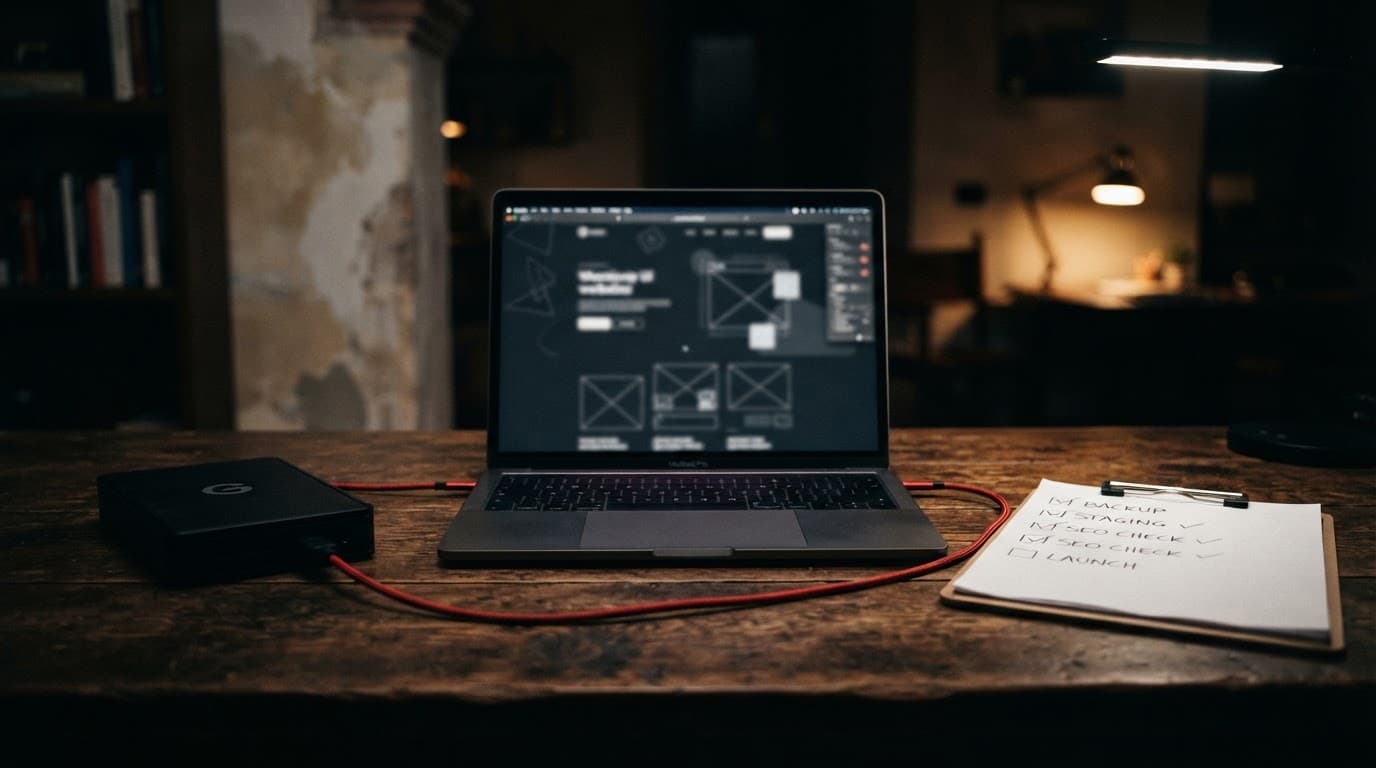
Before making any changes to files, databases or WooCommerce, create a full backup and check that the restore process works. Website security requires secure access and the ability to recover data if anything goes wrong.
Here you can test the new theme, update PHP, check plugin compatibility and simulate a purchase. If the project is an e-commerce site, also check orders, automated emails, payments, vouchers, the shopping basket and customer data.
Redirect every old URL to the new page
Before mapping the URLs, carry out a content audit: decide which pages and pieces of content should retain their own URLs.
When an address changes permanently, a 301 redirect is required. It directs visitors to an old link to the most relevant page on the new site. It prevents 404 errors, traffic loss and broken links.
Do not redirect everything to the homepage. An article should link to the new equivalent article, and a category to a relevant category. The A guide to 301 redirects for SEO explains why a specific redirect is preferable to a generic solution.
For more complex projects, an SEO-safe migration requires a comprehensive URL mapping and safeguards organic traffic. The WordPress migration without losing SEO traffic It helps you manage the structure of permalinks, the XML sitemap and schema.org structured data. It also checks canonical tags and redirects before going live, thereby protecting your search engine rankings.
Publication, first 30 days and budget
The launch day does not mark the end of the WordPress site redesign project. It marks the start of the phase in which data, users and Google begin to highlight any issues.
Checks to carry out after go-live
For the first thirty days, follow this simple sequence:
- Check the security of the website, logins, forms, emails, telephone numbers, CTAs, the cookie banner, payments and the main pages straight away.
- Check the coverage, sitemap, indexed pages and 404 errors in Google Search Console.
- Check your 301 redirects and do not use a 302 for a permanent change. The the difference between a 301 and a 302 redirect It must be handled with care.
- Compare Google Analytics data with that from the previous 30 days: organic traffic, sessions, conversions, requests and mobile behaviour. Also check the Core Web Vitals and page load speed against pre-launch figures.
- Check that the schema.org structured data is still present and has been correctly validated.
A slight initial dip is to be expected. If the number of indexed pages, clicks, enquiries or sales falls for several days in a row, or if forms and payments aren’t working, take immediate action.
How to work out the cost of a makeover
There is no standard average price for every project. The cost of a website redesign depends on the work required.
A five-page showcase website and a WooCommerce site with thousands of products require different tasks.
A detailed WordPress website quote should include a content audit, structure, design, development, content upload, technical SEO, redirects, testing, training and maintenance. Also ask what is not included: hosting, premium licences, copywriting, photographs, translations or integrations with business management systems.
Compare a web agency’s proposal with those of other providers, checking what services are included and who is responsible after publication.
A low quote that overlooks SEO, backups and testing can end up costing you dearly once the site goes live.
A new website must deliver measurable results
A well-executed redesign isn’t measured by how modern it looks, but by the results: greater speed and clarity, a simpler experience, and more enquiries or sales. Increasing visitor numbers isn’t enough: what matters is converting that traffic into enquiries or purchases.
Measure results against a clear baseline and, where applicable, verify the validity of structured data based on schema.org. Retain what adds value and use a regular content audit to update pages, services and content. Design matters, but conversions, visibility and usability matter more.
Frequently Asked Questions about the WordPress redesign
When is it worth rebuilding a WordPress website?
When your website is slow, difficult to update, hard to navigate on mobile devices, or no longer generates leads. First, you need an audit to distinguish between an isolated issue and a comprehensive overhaul.
Can I switch websites without losing my SEO ranking?
Yes, provided you keep the content useful and map the URLs correctly. Set up 301 redirects and check everything in Google Search Console after publication. Deleting indexed pages without providing alternatives is a common mistake.
How long does it take to revamp a company website?
It depends on the number of pages, the content, any integrations and the complexity of the migration. A showcase website requires less work than an e-commerce site with a product catalogue, customers, orders and customised features.
Is it better to update the old theme or create a new website?
It depends on the technical foundation. If the theme, plugins and structure are still sound, a targeted fix may be sufficient. If the website is slow, unstable and difficult to manage, rebuilding it is often the more cost-effective option.
What is a content audit?
This is a content review prior to the project. It is used to categorise the pages that are to be retained, updated, merged or removed.