

Your company website is dropping in the Google rankings, traffic is falling month on month, and visitors are leaving your pages without converting. This isn’t just bad luck: it’s a sign that your website needs a structured revamp. For an SME, an outdated website isn’t just an aesthetic issue; it’s a real obstacle to growth. In this guide, you’ll find an 8-step process, from the initial assessment to post-launch monitoring, designed to help you revamp your website without losing the SEO rankings you’ve built up over time.
Contents
- When and why to revamp a company website
- Preparing for a website redesign: SEO audit and data analysis
- Setting objectives and keyword research
- Architectural design and URL mapping
- On-page optimisation, performance and testing
- Launch, post-restyling monitoring and how to avoid common mistakes
- Professional solutions for the redesign and growth of your company website
- Frequently asked questions about corporate website redesigns
Key Points
| Full stop | Details |
|---|---|
| Key stages of the revamp | Every effective redesign requires an audit, clear objectives, a new architecture, optimisation, testing and monitoring. |
| SEO and user experience | A well-planned redesign improves both search engine visibility and the website’s usability and conversion rates. |
| Prevention of technical errors | Accurate URL mapping and redirects prevent critical errors such as a drop in traffic and ‘page not found’ errors. |
| Post-launch monitoring | Monitoring the data for 3–6 months after release ensures that any problems are rectified promptly. |
| The benefits of relying on experts | A professional partner can minimise risks, speed up the process and maximise the results of a rebranding project. |
When and why to revamp a company website
Now that we’ve highlighted the importance of a redesign, let’s take a closer look at when it’s really necessary to take action. It’s not always obvious whether the problem lies with the design, the technology or the content. Often, it’s all three combined.
Here are the clearest signs that it’s time to take action:
- Outdated design: a rigid layout, small fonts, and a lack of white space. The user immediately notices the lack of attention to detail.
- Website not mobile-friendly: Google penalises websites that are not optimised for mobile screens, where the majority of searches now take place.
- Slow loading speed: A high TTFB (Time To First Byte) increases the bounce rate and lowers the ranking.
- Outdated content: pages containing outdated information, out-of-date services or text written without regard to SEO principles.
- Low conversion rate: A high number of visits but few enquiries or sales suggest there are structural issues with the pages.
A strategic rebranding It can prevent drops in traffic and rectify technical errors that hinder online visibility. Tangible benefits include improved organic search rankings, a smoother user experience and an increase in conversions.
“An up-to-date company website is not a luxury: it is the main tool a company uses to present itself to the digital market every day.”
If you want to understand the reasons for redesigning the website or explore the Characteristics of an effective corporate website, you’ll find dedicated resources to help you get a clear picture of the situation.
Preparing for a website redesign: SEO audit and data analysis
Knowing when to take action is the first step. Now let’s look at how to prepare in a structured way, starting with your website’s actual data.
The essential tools for this stage are:
- Google Analytics: analyses traffic, the most visited pages, bounce rate and user behaviour.
- Google Search Console: displays search queries, indexing errors and pages excluded from the crawl.
- Screaming Frog: it carries out a technical scan of the website, identifying broken links, incorrect redirects, missing meta tags and structural issues.
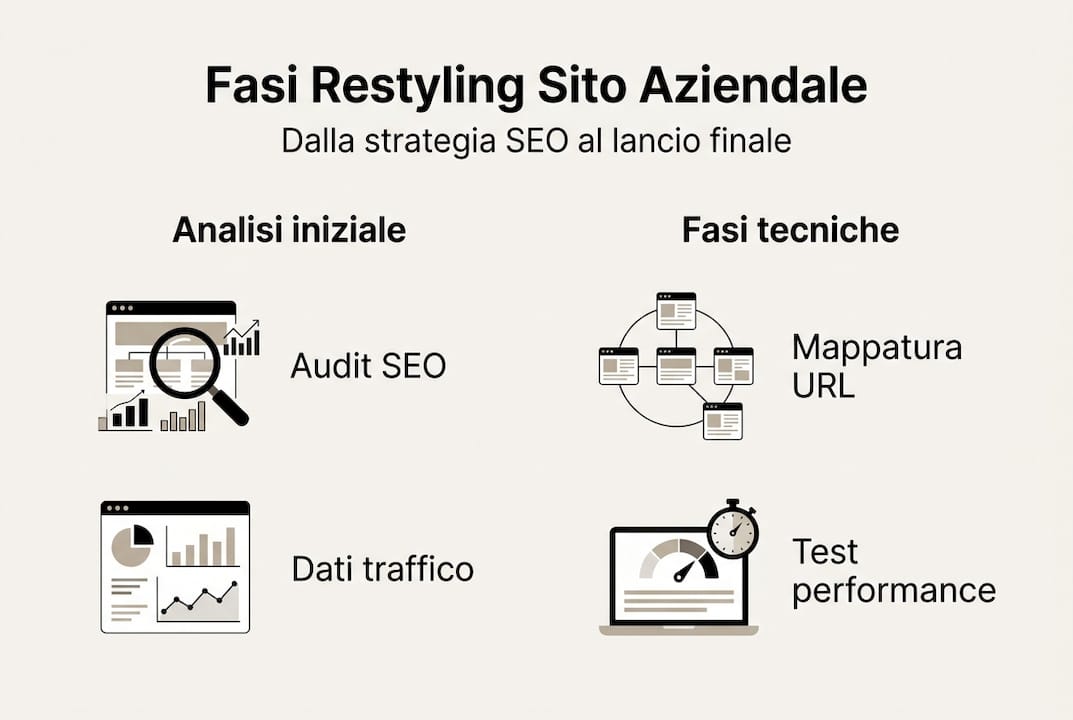
The SEO audit process begins with mapping URLs, analysing ranked keywords and assessing organic traffic using Google Analytics and Search Console. This enables you to understand what is working and what needs to be corrected before you even touch the design.
| Point to be analysed | Recommended tool | What to look for |
|---|---|---|
| Organic traffic | Google Analytics | Monthly trends: pages down |
| Technical errors | Screaming Frog | 404, redirect loop, missing meta tags |
| Keyword positioning | Search Console | Missed queries, low CTR |
| Page speed | PageSpeed Insights | Core Web Vitals, LCP, CLS |
Pro tip: Download the historical data for the last 12 months from Analytics before making any changes. Having a clear benchmark allows you to accurately measure the results of the redesign and identify critical periods.
To build a solid strategy, you can explore the SEO strategies for SMEs and understand what really makes a professional website.
Setting objectives and keyword research
With a solid foundation based on data, we move on to strategy: defining concrete objectives and selecting the right keywords for your market. Without this stage, the redesign risks being nothing more than a change in visual style with no real impact.
Here’s how to structure this stage effectively:
- Define your business objectives: Do you want more leads, more online sales or greater local visibility? Each objective requires different choices in terms of structure and content.
- Analyse existing keywords: Identify which keywords are already driving traffic to your site and which ones have dropped in the rankings over time.
- Look for new opportunities: Use tools such as Google Keyword Planner or Semrush to find keywords with good search volume and low competition in your sector.
- Prioritise by search intent: Distinguish between informational, navigational and transactional keywords to create targeted content.
As set out in industry best practice, setting objectives and carrying out keyword research always come before designing the site architecture. Skipping this step is one of the most costly mistakes an SME can make.
| Existing keyword | Monthly volume | Current position | Keyword: new opportunity | Monthly volume |
|---|---|---|---|---|
| website redesign | 1.200 | 8 | redesign of the company website | 900 |
| SME website | 800 | 12 | small business website | 1.100 |
| professional web design | 2.000 | 15 | bespoke web design | 600 |
If you are considering the creation of a corporate website or do you want to find out how How to create a professional website, step by step, these resources give you a comprehensive overview.
Architectural design and URL mapping
Once the objectives and keywords have been defined, we move on to designing the site structure and managing the URLs from a technical perspective. This is the most delicate stage from an SEO perspective: a mistake here can undo years of work.
- Hub & cluster structure: Organise your website into pillar pages (hubs) and related content (clusters). This improves navigation and signals your subject-matter authority to Google.
- Mobile-first design: From 2026, Google will index only the mobile version of websites. Designing for mobile first is not an option – it is a must.
- URL mapping: Create a document that maps each old URL to its corresponding new one. This is the starting point for 301 redirects.
- Setting up a 301 redirect: Any URL that changes must have a permanent redirect to the new destination. Without one, you’ll lose the SEO value you’ve built up.
Designing a website with logical navigation and a mobile-first approach is essential for improving the user experience and SEO in the long term.
Pro tip: Create a Google Sheets spreadsheet with three columns: old URL, new URL, and redirect status. Share it with the whole technical team. A shared document drastically reduces 404 errors after launch.
To understand this in detail how the restyling process works and what to expect at each stage; you’ll find a comprehensive overview of the services available.

On-page optimisation, performance and testing
Once the structure is in place, it’s time to optimise and test every aspect to ensure maximum performance. This phase covers both on-page SEO and the site’s technical speed.
The main steps to follow:
- Title tags and meta descriptions: Each page must have unique tags, with the main keyword appearing in the first few words.
- Heading H1, H2, H3: a clear hierarchical structure, with semantically related keywords in the subheadings.
- Image compression: Use modern formats such as WebP and reduce file sizes without compromising visual quality.
- Lazy loading: loads images only when the user scrolls to them, reducing the initial loading time.
- Core Web Vitals: Monitor LCP (Largest Contentful Paint), CLS (Cumulative Layout Shift) and INP (Interaction to Next Paint) using PageSpeed Insights.
On-page and content optimisation, together with speed tests and redirect checks, are crucial steps that must be completed in the staging environment before launch. Staging is a private copy of the website where you can test everything without affecting real users.
Important information: According to Google, a one-second delay in mobile loading times can reduce conversions by up to 20 per cent. Optimising performance is not just a technical issue; it is a business decision.
If you’re working with an external professional, read the Tips for building a website with a freelancer to avoid misunderstandings and manage the project effectively.
Launch, post-restyling monitoring and how to avoid common mistakes
Following testing and optimisation, it is essential to ensure that the launch and monitoring are carried out flawlessly in order to consolidate the results achieved.
Launch checklist:
- Check that all 301 redirects are active and working properly.
- Submit the new sitemap.xml to Google Search Console.
- Check the robots.txt file to make sure that no important pages are blocked.
- Enable 404 error monitoring in Search Console.
- Check that the tracking codes (Google Analytics, Tag Manager) are correctly installed.
The post-launch monitoring phase is essential for preventing problems and recovering from any drops in traffic in the 3–6 months following the launch.
| Post-launch period | Recommended action | Instrument |
|---|---|---|
| Weeks 1–2 | Check redirects and 404 errors | Search Console, Screaming Frog |
| Month 1 | Organic traffic analysis | Google Analytics |
| Months 2–3 | Keyword ranking monitoring | Search Console, Semrush |
| Months 4–6 | Full report and optimisations | Analytics + Search Console |
Pro tip: Set up automatic alerts in Google Analytics to receive notifications if traffic falls by more than 20 per cent compared with the previous week. Taking immediate action makes the difference between a temporary dip and a permanent loss of rankings.
To find out more about the SEO monitoring strategies for SMEs, you’ll find practical guidance on how to interpret the data and take prompt action.
Professional solutions for the redesign and growth of your company website
Following all the steps described in this guide requires technical expertise, specific tools and time. For many SMEs, enlisting the help of an expert is the most efficient option. A professional with experience in the sector reduces the risk of technical errors, speeds up the process and ensures that every stage, from the audit to monitoring, is managed systematically.
If you want to understand the practical benefits of entrust the work to an experienced web developer, you’ll find a clear overview of what to expect from a professional collaboration. You can also explore the web services for businesses available, designed for SMEs looking to grow their online presence with bespoke solutions. And if you’re still wondering whether now is the right time, the page dedicated to revamping your company website will help you make an informed decision.
Frequently asked questions about corporate website redesigns
What are the most common mistakes made when redesigning a company website?
The most common errors are the loss of indexed URLs, missing redirects and a drop in traffic following launch. Monitoring 404 errors and traffic is essential in the 3–6 months following launch, so that action can be taken before the problems become permanent.
How long does a corporate website redesign typically take?
On average, it takes between 6 and 12 weeks, depending on the technical complexity and the content to be updated. The various stages of the redesign take different amounts of time, from the initial planning right through to post-launch monitoring.
Is it possible to maintain your original SEO ranking after a website redesign?
Yes, by following a strategy involving URL mapping, 301 redirects and SEO monitoring, you can preserve the rankings you have achieved. URL mapping and redirects are the key tools for transferring SEO value from the old pages to the new ones.
What tools are essential for an SEO-friendly revamp?
Google Analytics, Search Console and Screaming Frog are essential for technical audits and monitoring. SEO audits and data mapping form the foundation for any structured and professional approach.