

A confusing checkout process can cause a sale to fall through in a matter of seconds. The customer is ready to buy, but can’t find the payment method they usually use, doesn’t trust the site, or gets stuck trying to use their smartphone.
For WooCommerce shops, choosing WooCommerce Payments or an alternative affects conversion rates and cash flow. Payment solutions must also safeguard data security and support fraud prevention, without complicating the customer experience.
There’s no need to clutter the checkout page with logos. All you need to do is offer a clear payment method, with transparent costs and a straightforward checkout process. This improves the overall online shopping and e-commerce experience.
Key points
- Start by offering the payment methods most commonly used by your customers: cards, digital wallets, PayPal and bank transfers; only add other options once you have verified their usefulness.
- Compare WooCommerce Payments, Stripe, PayPal and Mollie, taking into account not only the fees but also the checkout process, security, support, refunds, disputes and the time taken for funds to be credited.
- Test the checkout process on iPhone and Android, both in test mode and on real devices: awkward fields, slow redirects and methods that don’t work can increase the number of abandoned transactions.
- Calculate the net revenue, taking into account fixed and variable commissions, currency exchange rates, refunds, disputes, fraud and indirect costs.
- Protect customer data, keep WordPress and WooCommerce up to date, and establish clear procedures for refunds, disputes, subscriptions and failed payments.
WooCommerce payments: which methods are essential
The choice of payment methods depends on the customer base, average spend, sector and operational risk.
A B2C e-commerce site selling cosmetics does not have the same requirements as a B2B company, nor does it require the same payment methods.
Cards and digital wallets form the basis
An Italian online shop must accept credit cards, debit cards and prepaid cards. These are the starting point.
WooCommerce Payments also supports cards and digital wallets, providing a solution suitable for most Italian shops.
Apple Pay and Google Pay can reduce the number of fields that need to be filled in on mobile devices. The user confirms using the payment method already saved on their phone. Less typing, fewer errors, fewer abandoned transactions.
With WooCommerce Payments, check that Apple Pay and Google Pay are available for your account. Also check the country in which you sell.
Check that your chosen payment gateway supports these options. Before activating them, try out each option in test mode with WooCommerce Payments.
A payment method that is displayed at the checkout but cannot be used simply causes frustration.
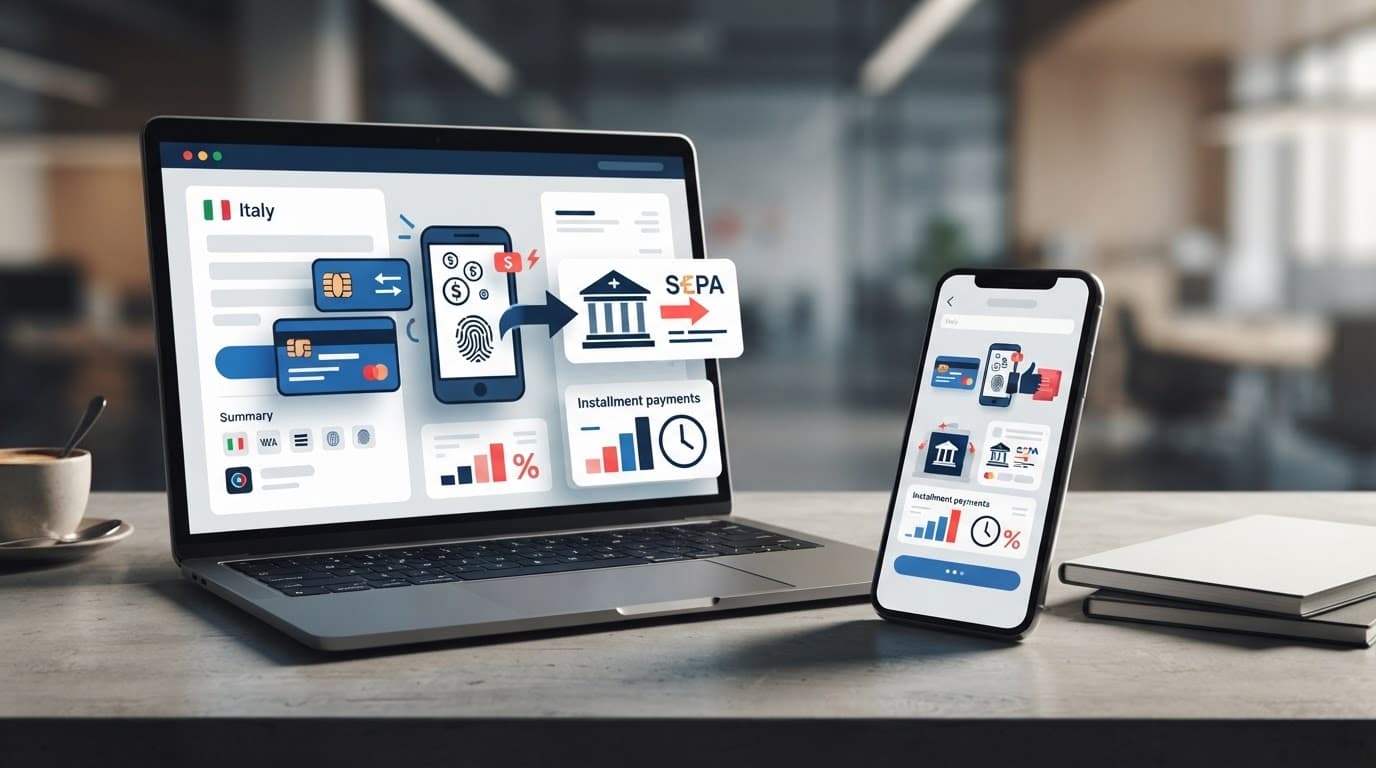
PayPal, bank transfer, Satispay and cash on delivery
PayPal remains a familiar name to many users. It is useful if customers are looking for that extra sense of security, particularly when making their first purchase.
Payments are usually processed quickly, but do check the fees charged to the seller.
Bank transfers are a sensible option for B2B sales, for high-value orders or for regular customers.
The order remains pending until you have checked that the funds have been credited. Any charges will depend on the customer’s bank. If the volume increases, this process takes time.
Satispay could be a good option for an Italian audience who are used to using it. Confirmation is quick, but do check the fees involved for the shop.
The scheme needs to be assessed carefully. It may help certain sectors, but it entails operational costs, uncollected orders and slower reconciliation processes.
If you also sell to customers who shop frequently on Amazon, you might want to consider Amazon Pay. It’s familiar to this audience, but be sure to compare the fees charged and the time it takes for funds to be credited.
The official documentation explains how Accept Amazon Pay with WooPayments and what requirements to check before activation.
Start with the payment methods best suited to your audience. Only add other payment methods once you have checked the costs, processing times and day-to-day management involved.
WooCommerce Payments, Stripe, PayPal or Mollie?
The payment gateway connects WooCommerce to the card network, a digital wallet or an alternative payment method. WooCommerce Payments is the built-in option, but the choice of payment gateway should be assessed on more than just the fee.
You need to assess the checkout process and payment methods. Consider online transactions, the payment methods available and data security. Do not overlook customer support, fraud prevention, payment processing times, refunds and disputes.
WooCommerce Payments and Stripe for a seamless checkout
WooCommerce Payments works within the WordPress dashboard. Here, you can manage payments, refunds and disputes without switching to another panel or installing an external payment plugin. It’s a practical choice for a straightforward setup, but do try out the workflow in test mode before going live.
Compared to WooCommerce Payments, direct Stripe is often the better option when you need more customised integrations, an API key, external automations or specific payment workflows. The published base rates for credit cards issued in the EEA can start from 1.5% plus €0.25 per transaction. Always check the current pricing in your account.
This offer does not include any set-up fees or monthly charges for online payments. Transaction fees vary depending on the card, country, currency and type of transaction. To check the terms and conditions of WooCommerce Payments, please see the WooPayments fees.
PayPal and Mollie: when the public demands more choice
PayPal can provide peace of mind for those who do not wish to enter their card details on a website they are unfamiliar with. The transaction can take place on the same page, in a dedicated window or via a redirect, depending on the plugin installed.
Mollie is useful when you want to manage multiple European payment methods via a single integration. However, don’t choose a provider simply because it offers twenty options. If the customer only uses three of them, the other seventeen won’t boost your sales.
Here’s a good rule of thumb: first, enable credit cards, e-wallets, PayPal and bank transfers. Then look at the actual checkout data. If users request a specific payment method, add it and measure the results.
For a broader overview of the platform, you can read my A comprehensive guide to WooCommerce.
The checkout process must work on smartphones first
A checkout process that works perfectly on a desktop can become a problem on an iPhone or Android device. The checkout process needs to be tested on both, not just on a desktop. Fields that are too small, awkward keyboards, hidden buttons and slow redirects lead to lost orders.
WooCommerce payments, including WooCommerce Payments, must be tested on real devices. Test real online transactions on iPhones and Android devices, not just in a computer’s browser.
On-site gateway or external redirection?
An integrated payment gateway allows customers to complete their payment without leaving the website. With WooCommerce Payments, the customer remains on the checkout page, where the brand, terms and conditions, and customer support information remain visible.
Redirecting to PayPal or an external page can still work well, provided the service is well known to the public. The problem arises when the transition seems abrupt, slow or out of keeping with the rest of the e-commerce site.
Compare the payment methods displayed on smartphones. Always show the chosen payment method, the final total and the delivery charges, alongside the main CTA. “Proceed to payment” is clearer than a generic button.
Measure desktop and mobile separately
Analysise the checkout process separately for desktop and smartphone users: the average conversion rate can be misleading. An e-commerce site with an overall conversion rate of 2% might convert at a rate of 4% on desktop and 0.8% on smartphone.
Before going live, complete an order in test mode on iPhone and Android.
If your mobile site isn’t converting well, don’t increase your advertising budget straight away. First, check the checkout process, the available payment methods, the loading speed and the form fields.
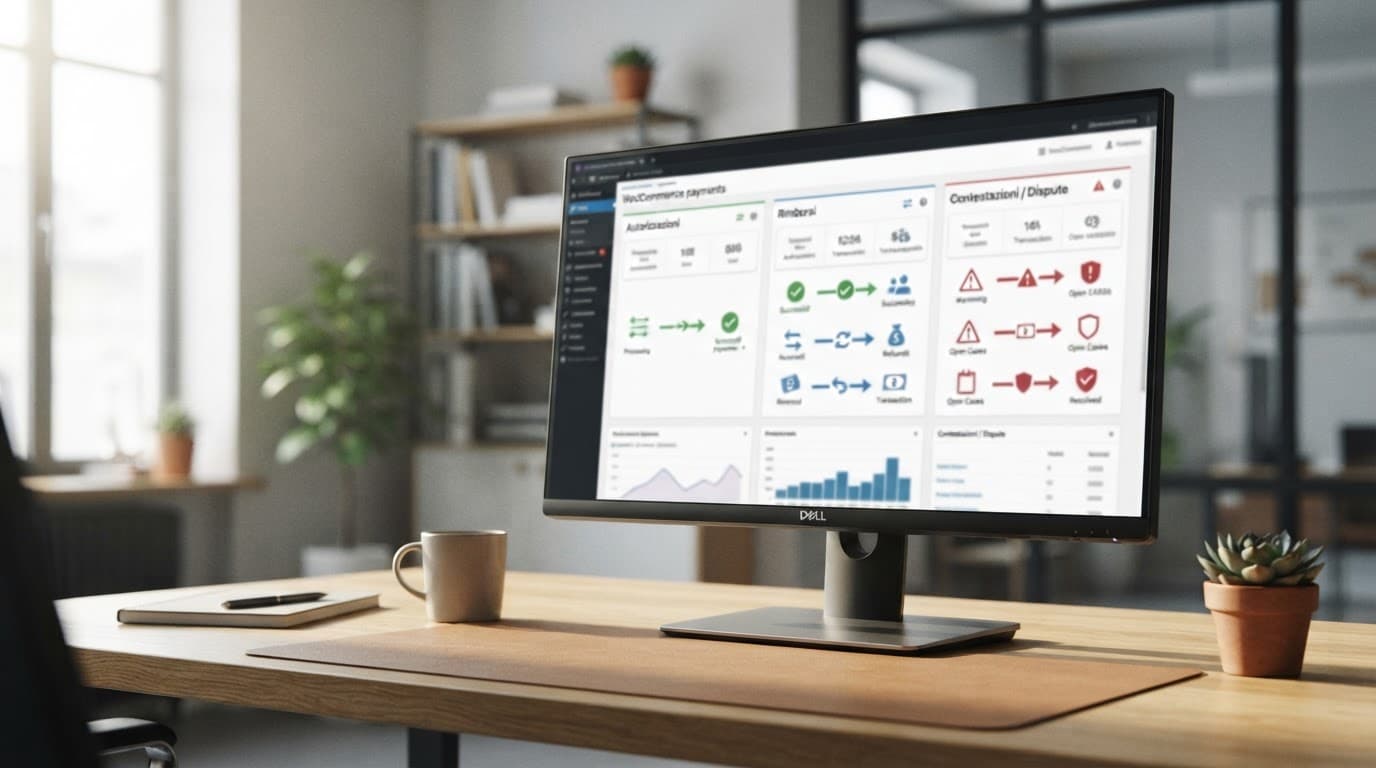
In the WooCommerce Payments dashboard, monitor the checkout view, payment method selection, declined payments and completed orders. These micro-conversions are useful for understanding where users get stuck.
Fees and cash flow: look at the net revenue
The advertised percentage is not sufficient to estimate net revenue. Take into account transaction fees, fixed charges, overseas card payments, currency exchange, disputes and any fees that may not be refunded following a chargeback. Also consider the indirect costs associated with fraudulent orders and fraud prevention.
For each payment method that is actually active, compare the actual fees and check the up-to-date pricing for WooCommerce Payments and other services.
| Item to be compared | What to check |
|---|---|
| Cards | Percentage, fixed fee and surcharges for non-European cards |
| PayPal | Business account terms and conditions and total cost of integration |
| Bank transfer | Time spent on manual checks and managing pending orders |
| Buy Now, Pay Later | Product margin, refunds and contractual terms |
On a €10 order, a fixed fee of €0.25 amounts to 2.5%. On a 200-euro order, the fee amounts to 0.125%. For this reason, a shop selling inexpensive accessories needs to think differently from one selling services costing 500 euros.
Don’t choose a provider just because of the quick payout
Faster crediting helps, but it’s not enough. With WooCommerce Payments, check when funds are credited to your bank account and how reserves are managed. Also check the timeframes for responding to a dispute and the conditions that apply to refunds.
When evaluating WooCommerce Payments or another provider, consider the entire payment journey, not just the promised speed.
For an e-commerce business, the useful figure is not the number of approved payments. It is the net revenue, after commissions, refunds, cancelled orders and instrument costs.
Security, refunds and disputes: how to manage them effectively
To accept card payments, you need HTTPS enabled, up-to-date versions of WordPress and WooCommerce, a reliable payment plugin and a verified account with the payment gateway. For WooCommerce Payments or Stripe, the online shop owner must provide company details, specify the beneficial owner and confirm their bank account details. They also remain responsible for data security.
The gateway handles the technical processing of card data. Do not collect or store sensitive data outside the workflows specified by the provider. The API key must be kept secure; it must never be published or included in code or in accessible environments.
Before going live, carry out tests in test mode. Before fulfilling or refunding an order, check the authentication, fraud prevention flags and the status of online transactions.
Partial refunds without confusing the customer
A partial refund may be issued for a missing item, an incorrect delivery or a discount agreed after the order was placed. Record this in the WooCommerce order, add an internal note and clearly inform the customer.
It’s not enough just to click “refund”. Check the amount and verify in WooCommerce Payments that the payment has been processed. Make sure the order shows the updated status and let the customer know the outcome.
How to deal with a dispute
A dispute cannot be resolved with a hasty reply. Involve customer support and keep a record of the order confirmation, proof of delivery, conversations with the customer, the terms and conditions of sale and the delivery details.
WooCommerce Payments sets out separate charges for card disputes and SEPA direct debit disputes. Check the charges, requirements and evidence needed in the provider’s up-to-date documentation. For suspicious or disputed orders, implement fraud prevention checks and an internal procedure for dispatch, refunds and proof of delivery. No measure offers absolute guarantees.
Recurring payments and Buy Now, Pay Later
WooCommerce subscriptions require more attention than a one-off purchase. It is not enough simply to connect a payment gateway and wait for renewal. You need to check compatibility, authorisations, notifications and payment recovery.
Subscriptions with WooCommerce Subscriptions
WooCommerce Subscriptions works with payment gateways that support recurring payments, such as Stripe and certain Mollie integrations. Whether WooCommerce Payments supports renewals must be checked depending on the plugin and the current configuration.
The process begins with an initial, secure authorisation from the customer. It continues with scheduled renewal via direct debit. The system sends a notification when the payment is successful or fails.
In the event of an error, a retry and a procedure to update the saved method are required. WooCommerce Payments can handle these steps, provided the active integration supports them. After the specified number of attempts, the service is suspended and is only reactivated once the payment has been recovered.
Effective management of receipts, due dates and failed payments makes automated invoicing more reliable. Subscriptions can make recurring revenue more predictable, but they require constant monitoring of the subscription status.
When considering ‘Buy Now, Pay Later’ schemes, assess profit margins, refunds and customer eligibility. Also check the provider’s terms and conditions, costs and liabilities. This model does not in itself guarantee increased sales and should only be implemented when the cash flow remains sustainable.
Frequently Asked Questions
Which payment methods should you offer with WooCommerce in Italy?
Start with credit, debit and prepaid cards, along with Apple Pay, Google Pay and PayPal. Depending on your customer base, you can add bank transfers, Satispay, cash on delivery or Amazon Pay, after checking the costs and day-to-day management involved.
Is WooCommerce Payments better than Stripe?
WooCommerce Payments is handy when you want to manage payments, refunds and disputes from the WordPress dashboard. Stripe may be more suitable for custom integrations, external automations or specific payment workflows.
How can I reduce checkout abandonment?
Test the checkout process on a smartphone and minimise the number of fields to be filled in, including by using digital wallets. Clearly display the payment method, total amount, delivery charges and a clear call-to-action.
What costs should I compare before choosing a payment gateway?
Take into account the percentage rate, fixed fees, foreign cards, exchange rates, refunds, disputes and the costs of anti-fraud measures. The comparison should be based on net revenue, not just the advertised rate.
How should security and recurring payments be managed?
Use HTTPS, update WordPress and WooCommerce, protect your API keys, and do not store sensitive card details outside the provider’s designated processes. For subscriptions, check compatibility, authorisations, automatic renewals, notifications and procedures for recovering failed payments.