

An old website isn’t always one to be discarded. But if it loads slowly, attracts visitors without generating any enquiries, or advertises outdated services, putting off dealing with the problem costs you business opportunities.
To decide to redesign the company website It doesn’t just mean choosing a more modern theme and changing a couple of colours. It means improving visibility, trust, enquiries and sales – without losing the SEO work you’ve built up over the years.
The right approach starts with the data. Then comes the design. Not the other way round.
Before redesigning your company’s website, take stock of the current situation
The first rule is simple: don’t delete anything until you’ve worked out what works. A page that doesn’t look great can still generate a lot of traffic. A page that appears to be of secondary importance can still attract traffic from Google every day.
Before taking any action, carry out a technical and commercial audit. You need an accurate snapshot of the current website, not just a general opinion.
Identify the pages, content and contacts that matter
Create a list of the most important pages: homepage, services, local pages, high-traffic articles, contact details, quotes, e-commerce and landing pages.
See also:
- URLs that receive organic traffic and external links.
- Pages that generate phone calls, completed forms or WhatsApp enquiries.
- Content that can be updated, duplicated or is no longer needed.
- 404 errors, slow performance, abandoned plugins and forms that don’t send emails.
- Incorrect company information, such as opening hours, locations, telephone numbers and services.
The A guide to redesigning a corporate website It can help you set up this control in an organised way.
Don’t just look at visits – look at conversions
A website with 5,000 visits and zero enquiries isn’t working for the company. It’s just taking up space online.
Track macro-conversions, such as requests for quotes, purchases, phone calls and appointments. Then look at micro-conversions, such as clicking on a phone number, downloading a catalogue or signing up for a newsletter.
The formula is simple:
conversions / visits × 100 = conversion rate
A page with 500 visits and 15 enquiries has a conversion rate of 3 per cent. The average figure, however, can be misleading. An overall rate of 2 per cent could mask a rate of 4 per cent from desktop computers and 0.8 per cent from smartphones.
If conversions are falling, check your landing pages, CTAs, page speed and mobile usability first. Don’t be too quick to blame your campaigns or the market.
How to redesign a company website based on real objectives
A redesign without clear objectives turns into an endless debate about fonts, colours and photographs. These are all useful details, but they are not the starting point.
Ask yourself what the new website needs to achieve over the next 12 months. Generate enquiries? Sell online? Attract customers to the premises? Enable people to book appointments? Explain complex services? Each answer will influence the structure, content and calls to action.

One page, one main action
Every important page should guide the user towards a clear course of action. A homepage may have several paths, but it must not cause confusion.
“Contact us” is a generic call to action. A phrase that explains what happens after you click works better:
- “Request a quote for your project”
- “Book an initial consultation”
- “Book an appointment at the practice”
- “Speak to a technician”
A primary CTA must be visible without having to scroll too far. On mobile devices, buttons, diallers and forms must be easy to use with one finger.
Set priorities, a budget and a timetable
Not all businesses need to redesign a hundred pages. An SME can start with a homepage, key services, ‘About Us’, contact details and local pages. An e-commerce site requires more attention to be paid to categories, product pages, the checkout process and automation.
Break the project down into stages: analysis, structure, copy, design, development, testing and publication. That way, you’ll know what to approve, when to do so and what materials to deliver.
The most common cause of delays isn’t down to scheduling. It’s down to text, images, price lists and approvals that remain pending for weeks.
Structure and content: the website must be easy to understand straight away
A visitor does not read a website in the same way as a printed catalogue. They scroll, compare, look for confirmation and decide within a few seconds whether to stay.
The menu should be kept simple. Five or six main items are often enough. Avoid vague labels such as “Miscellaneous”, “Solutions” or “Other” if they do not explain anything.
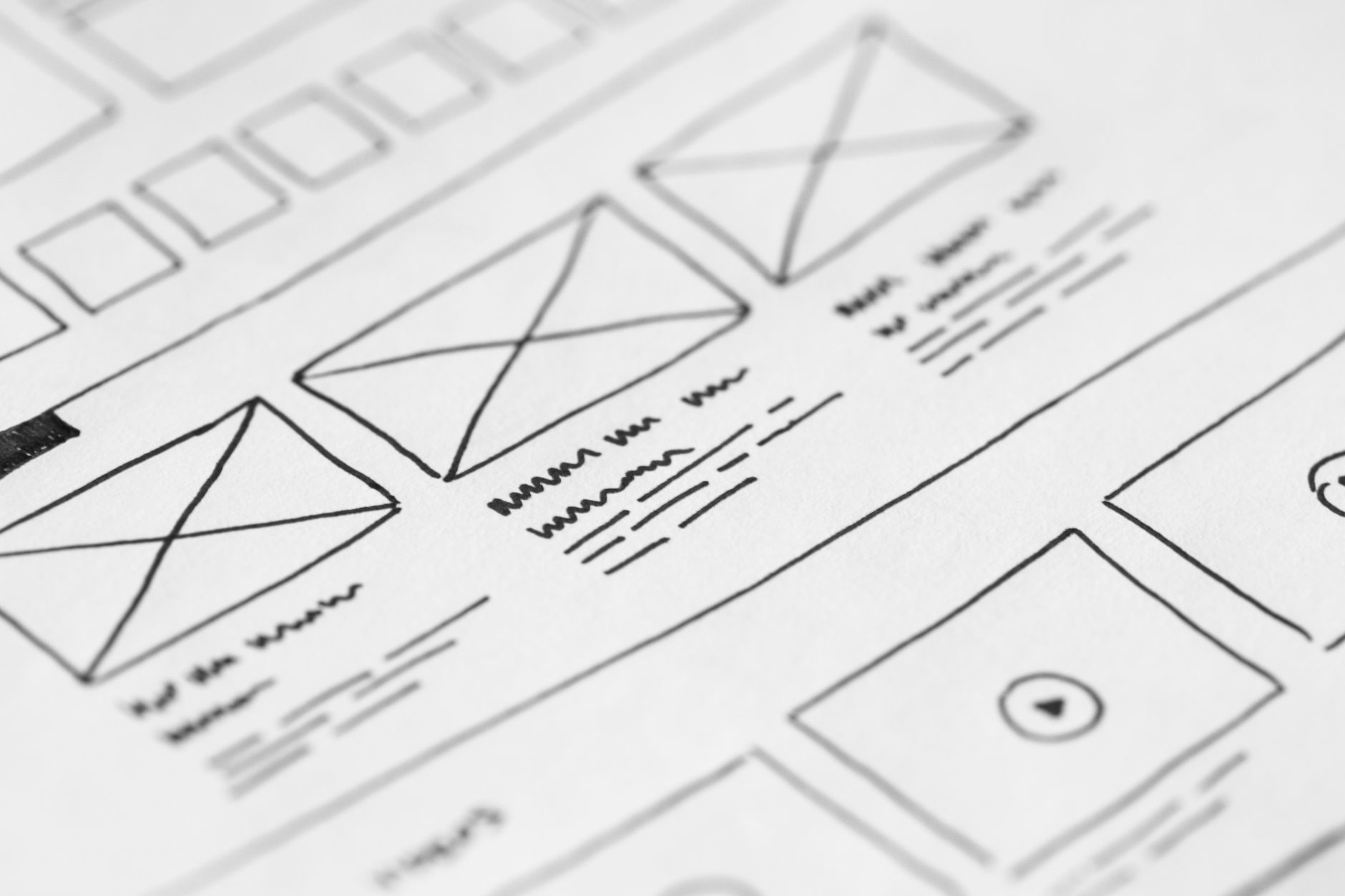
Photo by picjumbo.com
Write for your customers, not just to fill pages
Every service page should answer specific questions: what you do, who you work for, the areas you cover, why people should choose your company, and how to contact you.
A plumber doesn’t sell “innovative plumbing solutions”. They fix leaks, faults, carry out installations and deal with emergencies. A law firm shouldn’t just say it offers advice. It must specify its areas of practice, approach, office location and how to make an appointment.
Use clear headings, short paragraphs, real images and evidence of reliability. Reviews, real-life examples, certifications, years of experience and photos of the team are more helpful than a lot of generic phrases.
The mobile version is not a scaled-down version
No important content should be hidden on a smartphone. This often happens with hidden buttons, confusing menus, illegible tables and forms that are too long.
Test the website on iPhones, Android devices and tablets. Check the menu, service pages, click-to-call, WhatsApp, the form and the maps. A website that looks great on a large screen can become inconvenient the moment a user wants to call you.
When you’re redesigning your company website, the mobile version needs to be planned right from the start. Don’t leave it until the last minute.
SEO and URLs: the trickiest part of the redesign
The riskiest part isn’t the design. It’s moving pages, URLs and content without a plan. If an old address disappears, Google and users may come across a page that no longer exists.
Google explains in its Guidance on migrations and URL changes that we need to map the old and new URLs, set up redirects and monitor the transition.
Create a URL map before development
Create a file with three columns: old URL, new URL, notes. Don’t limit yourself to the best-known pages. Include articles that generate traffic, campaign landing pages, local pages, products and downloadable resources.
Every important URL should link to the new page that is most closely related in terms of content and intent. Redirecting everything to the homepage is a quick fix, but it is almost always the wrong approach.
I 301 and 308 permanent redirects They inform search engines that the move is permanent. Avoid chains of redirects, loops and irrelevant destination pages.
Keep what already adds value
Don’t delete an article simply because its design is outdated. If it attracts visitors, links or enquiries, update the text, structure and images. The new website should build on what already exists, not start from scratch.
Check the title, meta description, headings, internal links, images, canonical tags, XML sitemap and robots.txt. The main pages must remain indexable after publication.
Redirects should be kept active for at least 12 months. If they are still receiving clicks or external links, it is best not to remove them.
WordPress development, speed and privacy: no room for improvisation
WordPress is a practical choice for many SMEs. But it needs to be set up properly. Too many plugins, heavy themes and unnecessary scripts can slow down the website and cause problems with updates.
The A guide to building WordPress websites It sets out the technical aspects that need to be sorted out before going live: hosting, HTTPS, backups, updates and security.

Work in a test environment
The new website should be developed in a staging environment, not directly online. In this environment, you can test pages, forms, responsiveness, performance and compatibility without disrupting the current website.
Also check the Core Web Vitals metrics. Hero images that are too large, fonts that fail to load properly and unnecessary code all detract from the user experience, particularly on smartphones.
Privacy and tracking must correspond to the actual website
If you collect contact details, newsletter subscriptions, quote requests or data for advertising campaigns, your privacy policy, cookie banner and forms must be consistent with the tools you use.
Do not copy privacy notices from another website. Check forms, tick boxes, Google Analytics 4, advertising pixels, maps, embedded videos and CRM systems. The banner must reflect what actually happens once the user has given their consent.
Publishing without panic: what to do before and after the launch
Going live isn’t the end goal. It’s the start of the testing phase. Before the launch, carry out a thorough check with the project team.
Checks to be completed before go-live
Check that the website has:
- redirects that have been set up and tested on the most important URLs;
- forms that send emails to the correct address;
- tracking of form submissions, phone clicks, WhatsApp messages, purchases and bookings;
- XML sitemap submitted to Google Search Console;
- legal pages, cookie banners and HTTPS all working;
- up-to-date text, images, prices, locations and contact details.
If the domain or subdomain changes as well, use the Search Console’s Change of Address tool. For internal changes to URLs within the same domain, however, you will need mappings, redirects and an updated sitemap.
Monitor traffic, errors and requests during the first few weeks
In the first few days, check Google Search Console, Analytics, 404 errors, forms and conversion data. Then compare performance with the previous period, breaking it down into mobile and desktop.
Please also update the website, opening hours, telephone number, address and links on the local business listing. The Google Business Profile Help Centre explains how to ensure that the information published on Google is accurate.
Don’t wait three months to find out that a form isn’t sending requests. The initial checks should be carried out daily.
A new website should work better, not just look better
Redesigning a website is a worthwhile investment when it is based on objectives, data and a clear process. Design, content, SEO, speed and conversions must all work towards the same goal.
The website shouldn’t just appeal to those viewing it in a meeting. It must help a potential customer to understand, trust and take concrete action.
A good redesign doesn’t get rid of what works. It makes it more visible, faster and easier to use.
Frequently Asked Questions about revamping a company website
How long does it take to redesign a company website?
It depends on the number of pages, the content available and the features required. A basic showcase website may take a few weeks. An e-commerce site or a portal with many pages will take longer.
The part that takes the longest is often gathering texts, photos, price lists, service descriptions and internal approvals.
Can I redesign the website without losing my Google ranking?
Yes, if the project includes an initial audit, a URL map, 301 redirects, SEO checks and post-launch monitoring. The risk increases when pages with traffic are deleted or the site structure is changed without redirects.
Do not publish the new website until the redirects for the key pages are ready.
Do I have to start all over again if the website isn’t converting well on mobile?
Not always. First, check the mobile experience: speed, CTAs, forms, menus, buttons and clickable phone numbers. A localised issue may explain a sharp drop in enquiries from smartphones.
Always analyse desktop and mobile separately. The average figure can mask the real problem.
Which CTA should we use on the new website?
Choose a call-to-action (CTA) that is consistent with the page and the service. “Request a quote” is suitable for jobs with variable costs. “Book a consultation” works well for professional practices. “Call now” is useful for urgent matters and local businesses.
The CTA needs to explain what happens after you click. “Contact us” on its own doesn’t say nearly enough.