
Creating a holiday home website means building a dedicated digital space that allows you to promote your property, manage bookings and communicate directly with guests without any intermediaries. Creating holiday home websites is now the most effective way to reduce your reliance on OTAs such as Booking.com and Airbnb, which apply commissions between 15% and 20% on every booking. This means that for every 100 euros you take in, up to 20 goes to the platform. With your own website, that percentage stays in your pocket. Platforms such as Lodgify, Amenitiz and Wix have made it possible to create professional websites even without technical expertise, but the difference between a website that converts and one that fails to deliver results lies in the details we’ll explore in this guide.
Which platforms should you use to create a holiday home website?
Choosing a platform is the first practical decision when creating websites for holiday rentals. The options fall into two main categories: specialised solutions for the hospitality sector and adaptable general-purpose CMSs.
Specialised platforms such as Lodgify and Amenitiz are designed specifically for those who manage short-term lettings. Lodgify enables you to build functional websites in just a few minutes, even without any technical experience, with a built-in booking engine, payment management and automatic calendar synchronisation. Amenitiz offers similar features with an interface specifically tailored to the European market. The advantage of these solutions is that everything is already designed with your sector in mind: you don’t need to install separate plugins or set up complex integrations.

General-purpose CMSs such as WordPress, Wix and Jimdo, on the other hand, offer greater flexibility in terms of design and content, but require more configuration to add booking functionality. WordPress, when combined with plugins such as WooCommerce Bookings or Checkfront, becomes a powerful tool for those who want a fully customised website. Wix is the quickest option for those starting from scratch who want a visually polished result without having to touch any code.
| Platform | Specialisation | Booking engine | Ease of use | Approximate monthly cost |
|---|---|---|---|---|
| Lodgify | Short-term lettings | Integrated | High | From €12 |
| Amenitiz | Accommodation facilities | Integrated | High | From €29 |
| Wix | Generalist | External plugin | Very high | From €17 |
| WordPress | Generalist | External plugin | Media | From €5 (hosting) |
| Jimdo | Generalist | Limited | Very high | From €9 |
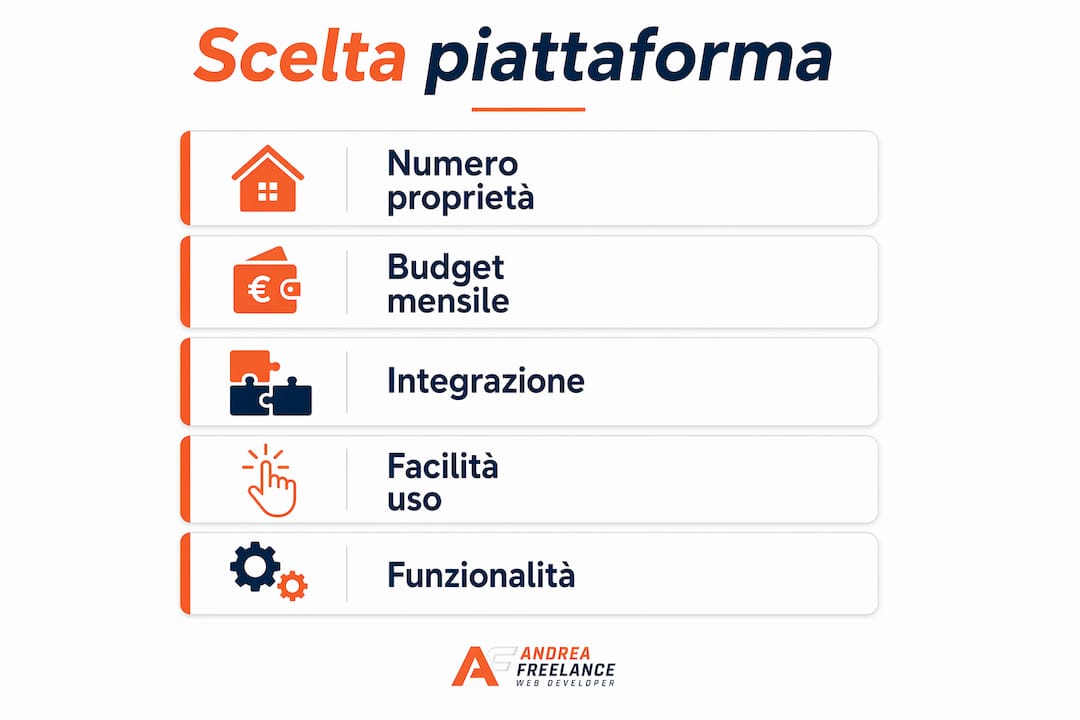
The choice between a specialised solution and a general-purpose CMS depends on three factors: the number of properties to manage, the available budget and the desired level of customisation. For a single holiday home with frequent bookings, a specialised platform quickly recoups the monthly cost thanks to the savings on OTA commissions.
Pro tip: Before choosing a platform, check that it supports integration with the channel manager you already use, such as Smoobu, Hostaway or Guesty. Changing platforms after you’ve set everything up is time-consuming.
How to structure your website to showcase your property
The design of a website for rental properties is not just about aesthetics. A design suited to the type of property Having an integrated booking engine directly boosts conversion rates. A city-centre flat requires a streamlined website, with quick information on location, prices and availability. A villa or a farm stay, on the other hand, deserves a richer visual narrative, with atmospheric photos, evocative descriptions and details of the experience the guest will enjoy.
The sections that no holiday home website should be without are:
- Homepage with striking photos: The first image should highlight the property’s key selling point, whether it’s the view, the swimming pool or the living room. Use professional photos, not smartphone snaps.
- Property description page: clear descriptions including floor area, number of beds, facilities and house rules. Avoid generic descriptions such as “cosy flat”.
- Photo gallery: at least 15 high-resolution photos showing all the rooms, the exterior and the surrounding area.
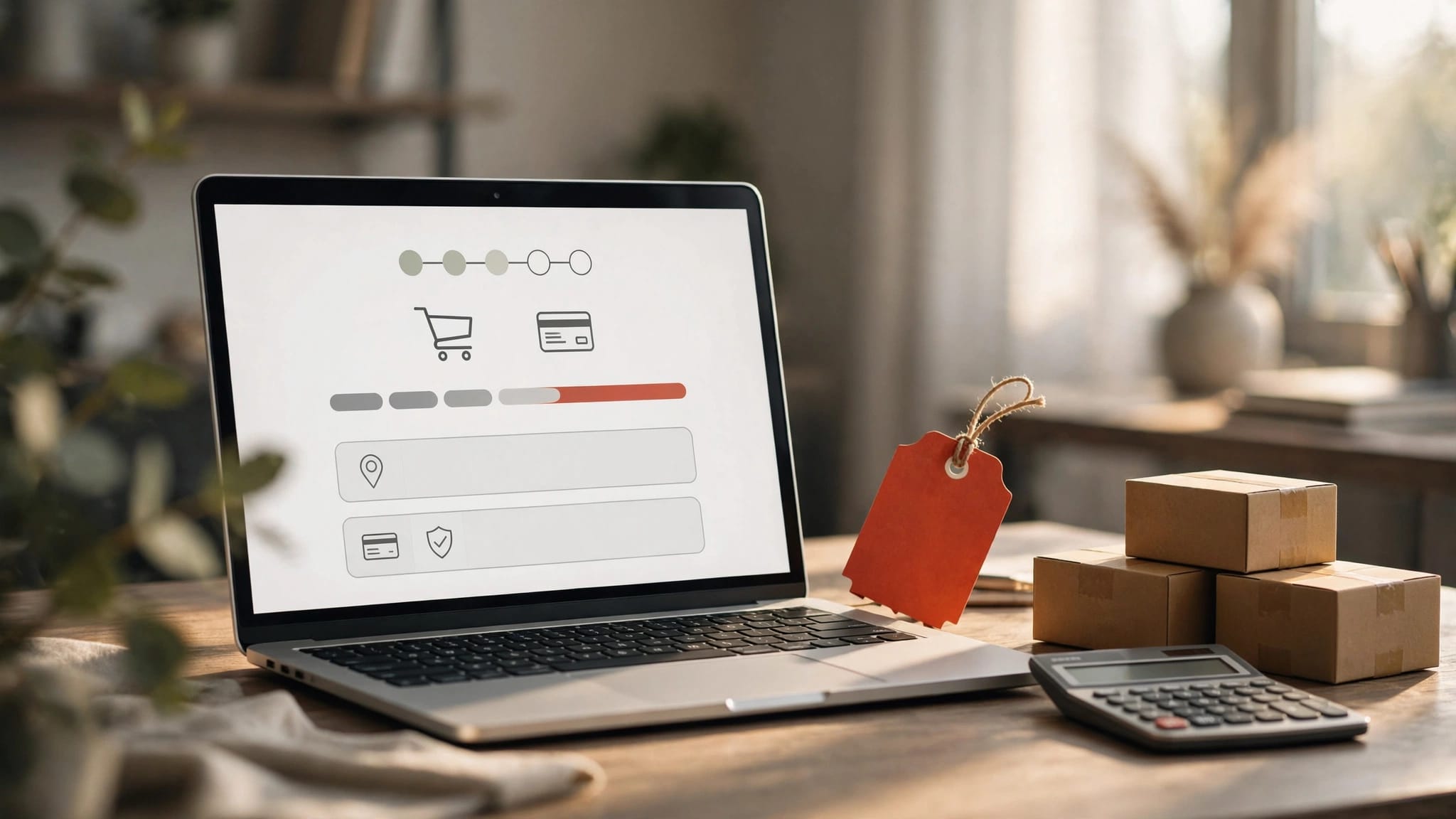
- Availability calendar and booking engine: visible without having to scroll or search. Every extra click reduces conversions.
- “Area and Surroundings” page”: restaurants, attractions, distances from the main points of interest. This content also improves SEO rankings.
- Guest reviews: Real-life testimonials build trust more effectively than any promotional text.
I Multilingual websites boost trust from international guests and boost direct bookings. If your holiday home attracts foreign tourists, translating your website into English, German or French is not optional. A carefully crafted, non-automated translation conveys professionalism and attention to detail.
Pro tip: Optimise your website for mobile devices first and foremost. Over 60% of accommodation searches are carried out on smartphones. If your website is slow or difficult to navigate on a mobile phone, you’ll lose bookings before the guest has even read the description.
How to create a holiday home website, step by step
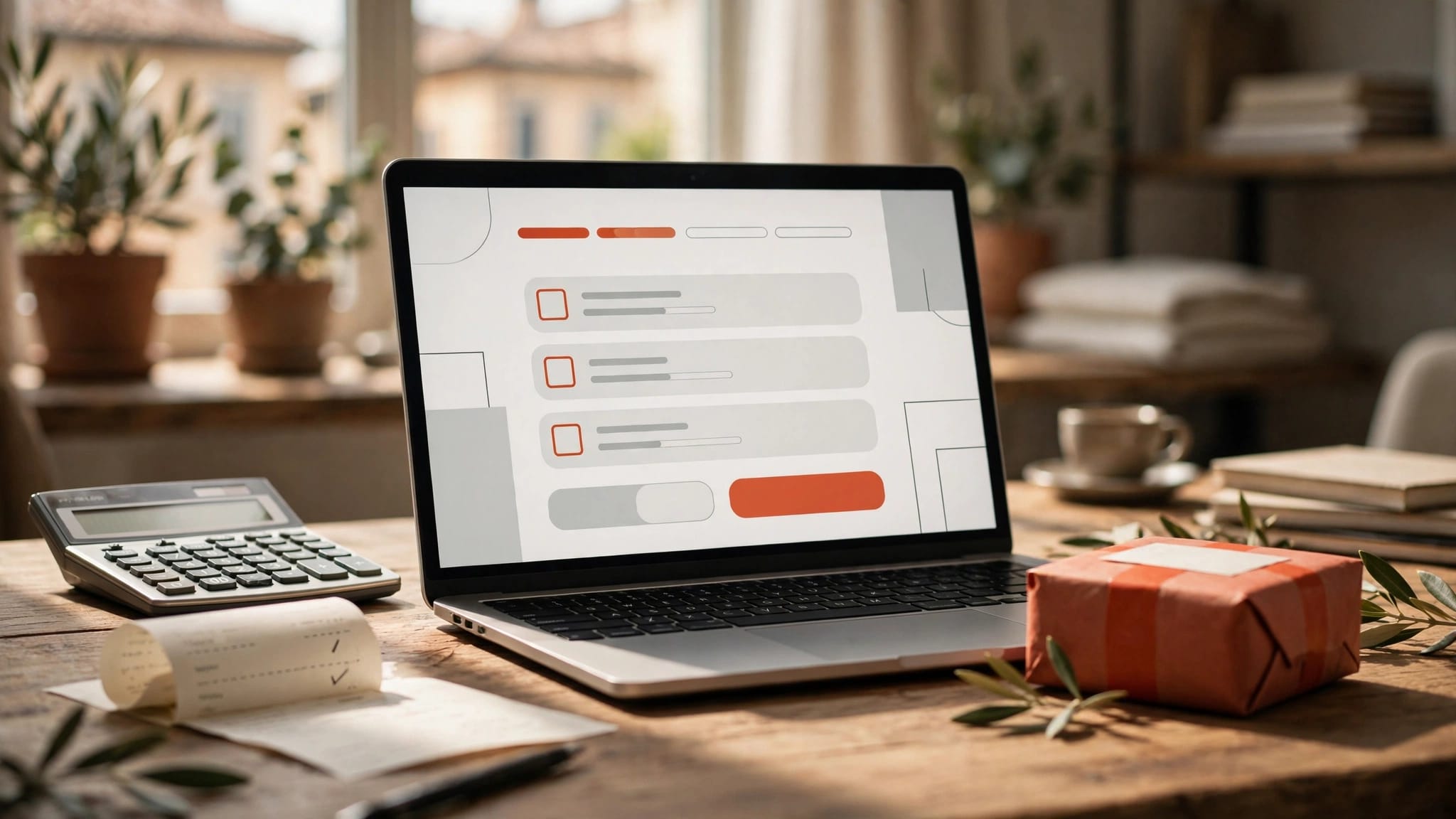
The creation of effective rental portals follows a specific sequence. Skipping one of the initial steps creates problems that are difficult to rectify later on.
- Choose a domain name: The domain name must be simple, memorable and reflective of your property’s brand. Use the name of the house or the geographical area. Avoid numbers, hyphens and words that are difficult to pronounce. A domain name such as “villasoleamalfi.it” is more effective than “holidayrental2026.it”.
- Set up your hosting: If you use WordPress, choose an Italian hosting provider with good performance, such as Aruba, SiteGround or Kinsta. If you use Lodgify or Wix, hosting is included in the platform.
- Select and customise the template: Choose a theme that reflects the character of your property. Customise the colours, fonts and layout to make your site stand out. Avoid overly generic templates that look just like thousands of other websites.
- Load content: descriptive text, professional photographs, rates and cancellation policies. Write your text with both guests and search engines in mind.
- Optimise basic SEO: Optimising keywords in your content, titles and meta descriptions boosts your visibility on Google. Use terms such as “holiday home in [city name]”, “weekly rental in [area]” and “villa with a swimming pool in [region]”.
- Test everything before launch: check that the booking engine is working, that payments are being processed correctly and that the website loads quickly on both mobile and desktop devices.
- Publish and index: Submit the sitemap to Google Search Console and link the site to Google Analytics to monitor traffic from day one.
| Stage | Recommended tool | Estimated time |
|---|---|---|
| Domain | Namecheap, Register.it | 30 minutes |
| Hosting | Aruba, SiteGround | 1 hour |
| Template | WordPress theme or Lodgify | 2 hours |
| Contents | Professional copywriting and photography | 1 week |
| Basic SEO | Yoast SEO, RankMath | 3 hours |
| Testing and launch | Google Search Console | 2 hours |
Pro tip: Don’t wait until your website is “perfect” before launching it. A fully functional website with good photos and an active booking system delivers results straight away. You can improve the content and design over time, but every day without a website is a day without direct bookings.
The most common mistakes to avoid are: using low-quality photos, failing to clearly state prices, omitting the contact page, and not setting up an SSL certificate (the green padlock in the browser bar that confirms the site is secure).
How to increase direct bookings and manage your website over time
Having a website is the first step. Making it work for you requires an ongoing strategy. The official website should not replace OTAs but work alongside them to increase direct bookings and reduce commission charges over time. The aim is to gradually shift an increasing proportion of bookings to the direct channel.
The tools that make all the difference are:
- Integrated booking engine: it must display real-time availability, accept payments by credit card and PayPal, and send automatic email confirmations. Solutions such as Lodgify Booking Engine or Checkfront handle all of this without the need for manual intervention.
- Channel manager: Synchronising calendars via a channel manager reduces double bookings and simplifies management across multiple platforms simultaneously. Smoobu, Hostaway and Lodgify offer this feature.
- SEO and up-to-date content: Publish articles on your website’s blog about local attractions, seasonal events and tips for visitors. This content attracts organic traffic from Google and positions your website as a go-to resource for the area. To find out more about SEO strategies for 2026 To help you find the most effective ones, there are dedicated resources available to guide you.
- Traffic analysis: Google Analytics 4 shows you where your visitors come from, which pages they view and where they leave the site. This data helps you understand what’s working and what needs improving.
- Newsletters and social media: Collect the email addresses of past guests and send them offers to encourage them to return or to stay during the low season. Instagram and Facebook are effective channels for showcasing your property in an authentic way and building a community of loyal guests.
Website maintenance is often underestimated. A slow website, one with out-of-date plugins or display errors on mobile devices, drops in Google rankings and puts visitors off. Schedule a technical check at least every three months, updating the CMS, plugins and content. To organise this process, a maintenance workflow A well-defined approach saves you time and prevents problems.
Key points
A professional holiday home website is the most effective way to reduce OTA commissions, increase direct bookings and build a recognisable brand over time.
| Full stop | Details |
|---|---|
| Choose the right platform | Use Lodgify or Amenitiz for short-term lettings, and WordPress for maximum customisation. |
| Structure the content carefully | Professional photos, detailed descriptions and a visible booking calendar boost conversion rates. |
| Follow the steps in order | Domain, hosting, templates, content, SEO and testing: skipping steps creates problems that are difficult to rectify. |
| It integrates a channel manager | Automatic calendar synchronisation prevents double bookings across multiple platforms. |
| Keep the website up to date | Regular technical updates and fresh content improve your Google ranking over time. |
The true value of a professional website: my experience
I’ve worked with dozens of holiday home owners over the last few years, and the pattern I see repeating itself is always the same: they start out convinced that Airbnb and Booking.com, then comes the point when the fees become unsustainable and one looks for a way out. At that stage, people often opt for the quickest and cheapest solution, which is almost never the most effective one.
The uncomfortable truth is that a poorly designed website is worse than no website at all. A slow website, with low-quality photos or without a working booking engine, gives the impression of neglect. A guest who lands on your website after seeing your property on Airbnb expects the same level of care. If they find anything less, they’ll go back to the OTA and book there, paying the commission you were hoping to avoid.
What I’ve learnt from working on these projects is that the true value of a professional website isn’t technical. It’s relational. A well-designed website allows you to tell your story, to show who you are as a host, and to build a relationship with your guest even before they arrive. This translates into better reviews, returning guests and spontaneous word-of-mouth recommendations. No OTA offers you this.
In 2026, as short-let platforms become increasingly saturated, differentiation almost always comes via the direct channel. Owners who invested in a professional website two or three years ago are now reaping the rewards in terms of organic visibility on Google and loyal guests. Those who are still waiting are losing ground every month.
My practical advice, which you rarely come across elsewhere: don’t treat your website as a one-off expense. Treat it as a sales channel that requires attention, updates and ongoing investment. A website that’s neglected after launch is a waste of resources. A well-maintained website is an asset that grows over time.
— Andrea
Create your holiday home website with Andreafreelance
Andreafreelance offers a service for website development for accommodation providers Built on over 20 years’ experience in web development, specialising in WordPress and bespoke solutions for the tourism sector. Every project begins with an analysis of the property and the owner’s objectives, to create a website that reflects the character of the property and is optimised for direct bookings. The service includes SEO configuration, booking engine integration and ongoing technical support. For a website that really works for you, discover the practical web design tips which Andreafreelance applies to every project, or contact Andrea directly for a no-obligation consultation.
FAQ
How much does it cost to build a website for a holiday home?
The cost ranges from 12 to 50 euros a month for platforms such as Lodgify or Wix, up to 1,500 or 3,000 euros for a bespoke WordPress website created by a professional. The choice depends on the number of properties managed and the level of customisation required.
Is it better to use Lodgify or WordPress for a holiday home website?
Lodgify is the quickest option for anyone who wants a website up and running in just a few days with a built-in booking engine. WordPress offers greater flexibility and customisation, but requires more time to set up and either technical expertise or the support of a developer.
How can I receive direct bookings via my website?
Integrate a booking engine such as Lodgify Booking Engine or Checkfront, set up a secure payment system and place the booking button prominently on every page. A personalised and professional website featuring these elements will directly boost conversion rates.
Do I have to stop using Booking.com and Airbnb if I set up my own website?
No. The official website should complement the OTAs, not replace them. The aim is to gradually shift a proportion of bookings to the direct channel in order to reduce commission fees over time, whilst maintaining visibility on the main platforms.
How long does it take to get a website to rank on Google?
The first organic results generally appear between 3 and 6 months after SEO optimisation. Publishing up-to-date content about the local area, using specific local keywords and securing links from local tourism websites speeds up the process.